A passport stored at home faces two distinct categories of threats: disasters (fire, water damage, chronic humidity) and targeted theft. Confusing them leads to inappropriate storage choices. We recommend addressing each risk separately before selecting a storage device.
Fire and Water Resistance: Home Safe Standards for Passports
The majority of safes sold in retail stores protect against burglary, not against fire. For a paper document like a passport, it is the thermal resistance that determines the survival of the booklet. Fireproof safes designed for documents generally carry a certification such as UL 72 (North American standard) or NT Fire (Nordic standard), which guarantees that the internal temperature remains below the paper’s carbonization threshold for a specified duration.
A safe rated for digital media (hard drives, USB sticks) maintains an even lower internal temperature, but is significantly more expensive. For a passport, a model certified for paper documents is sufficient. We observe that many households store their passport in a burglary-resistant safe that lacks any thermal insulation, which offers no protection in the event of a house fire.
Water resistance is the second criterion. Water damage from the upper floor or a burst pipe can soak a safe placed on the floor. Models with a peripheral seal can withstand partial immersion for a few minutes, allowing time to intervene. A safe without a seal will allow water to seep in within seconds.
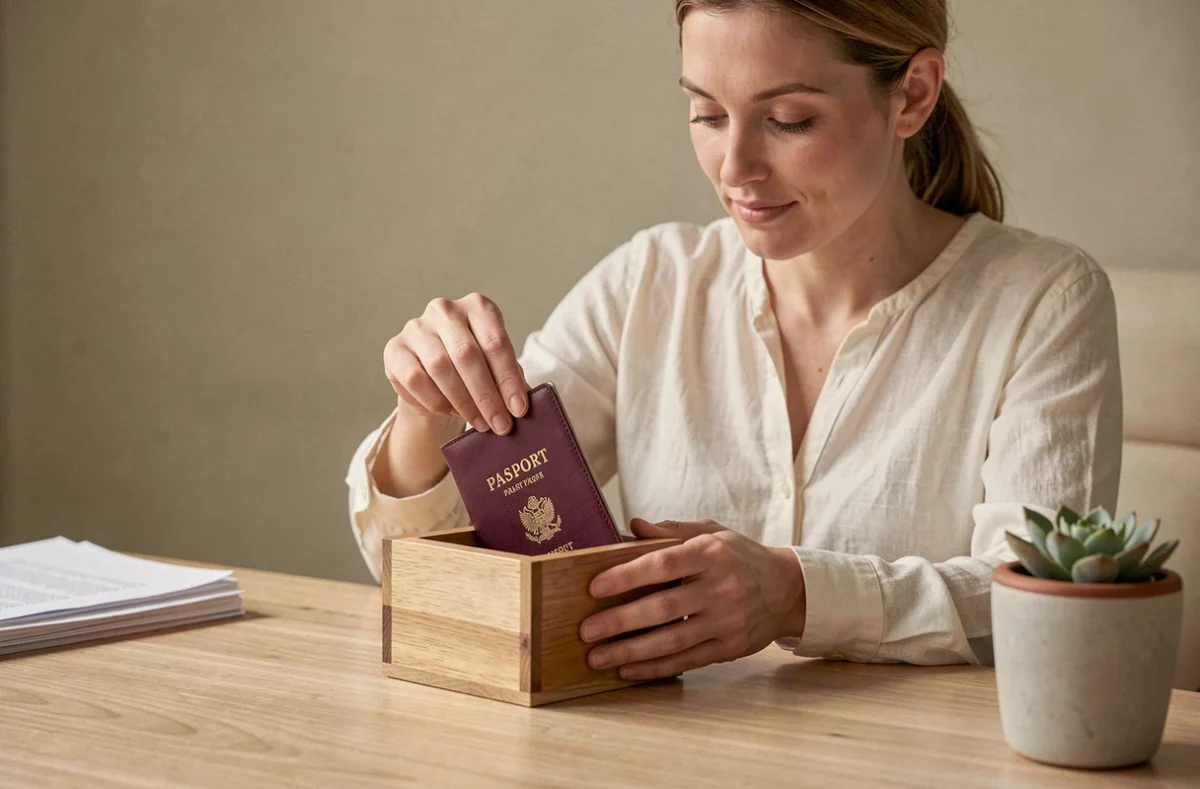
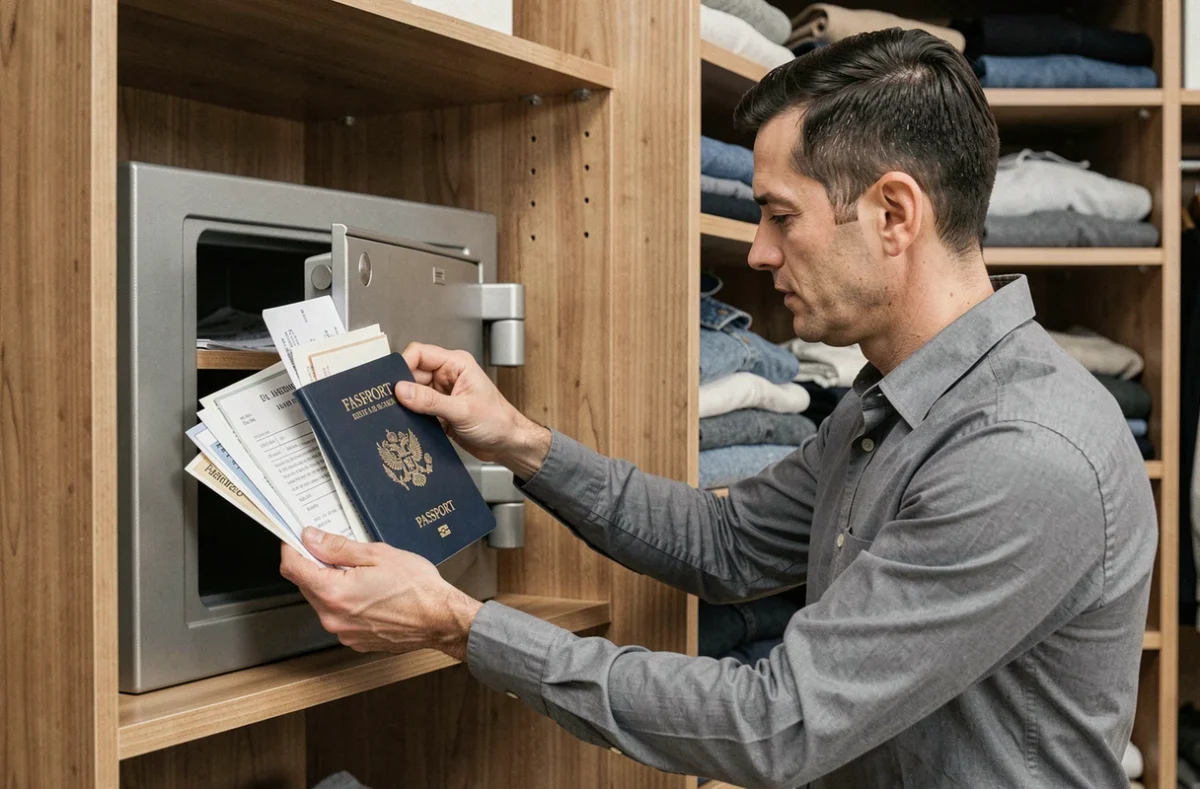
When you protect a luxury passport at home, the choice of container is as important as the location: a fireproof and waterproof safe fixed to the building structure covers both main risks simultaneously.
RFID Chip in the Biometric Passport: The Real Risk of Remote Reading
The fear of RFID hacking of a passport stored at home is widely circulated. It is based on a technical misunderstanding. Modern electronic passports incorporate an access control mechanism (Basic Access Control or PACE) that requires prior optical reading of the MRZ area printed on the identity page. Without this data, the chip does not respond.
In practical terms, an attacker would first need to physically open the passport to photograph the MRZ, and only then query the chip. Opportunistic reading through a wall, drawer, or bag remains unrealistic in a domestic context.
Some passports (notably American ones) already incorporate shielding in the cover and back of the booklet, further reducing the reading range when the document is closed. No government source recommends aluminum wrapping as a mandatory security measure for a passport stored at home.
RFID and Aluminum Sleeves: Marginal Utility at Home
An RFID-blocking sleeve makes sense while traveling in a densely populated environment. At home, it provides no additional layer of security compared to the chip’s native access control. Investing in a waterproof and UV-resistant sleeve will better protect the booklet than any domestic radiofrequency shielding.
Digital Copies of the Passport: Storage Mistakes to Avoid
Digitizing the identity page of your passport is a useful reflex in case of loss or theft abroad. The problem does not stem from the copy itself, but from its uncontrolled duplication across multiple media.
A photo taken with a smartphone ends up simultaneously in the gallery, automatic cloud backup, downloads folder, and sometimes in the history of a scanning app. Each copy constitutes an additional exposure point in case of account or device compromise.
- Check the locations of automatic backups (Google Photos, iCloud, OneDrive) and delete duplicates after transferring to a secure manager.
- Store the copy in an application with local encryption (like a password manager with encrypted attachments) rather than in the standard photo gallery.
- Never send the copy via unencrypted end-to-end messaging, as the image remains on the provider’s servers.
We recommend keeping only one active digital copy, in an encrypted container, and regularly purging other locations.
Physical Location at Home: Height, Humidity, and Discretion
A passport degrades faster from ambient humidity than from handling. The inner pages made of polycarbonate hold up well, but the cardboard cover and visa pages absorb moisture. A bathroom drawer or a piece of furniture against a poorly insulated exterior wall accelerates degradation.
Three criteria guide the choice of location:
- Height: above ground level to limit exposure in case of water damage. A safe mounted high in a bedroom closet remains the most reliable compromise.
- Stable humidity: avoid damp rooms (kitchen, bathroom, garage). A bedroom or office with regulated temperature is more suitable.
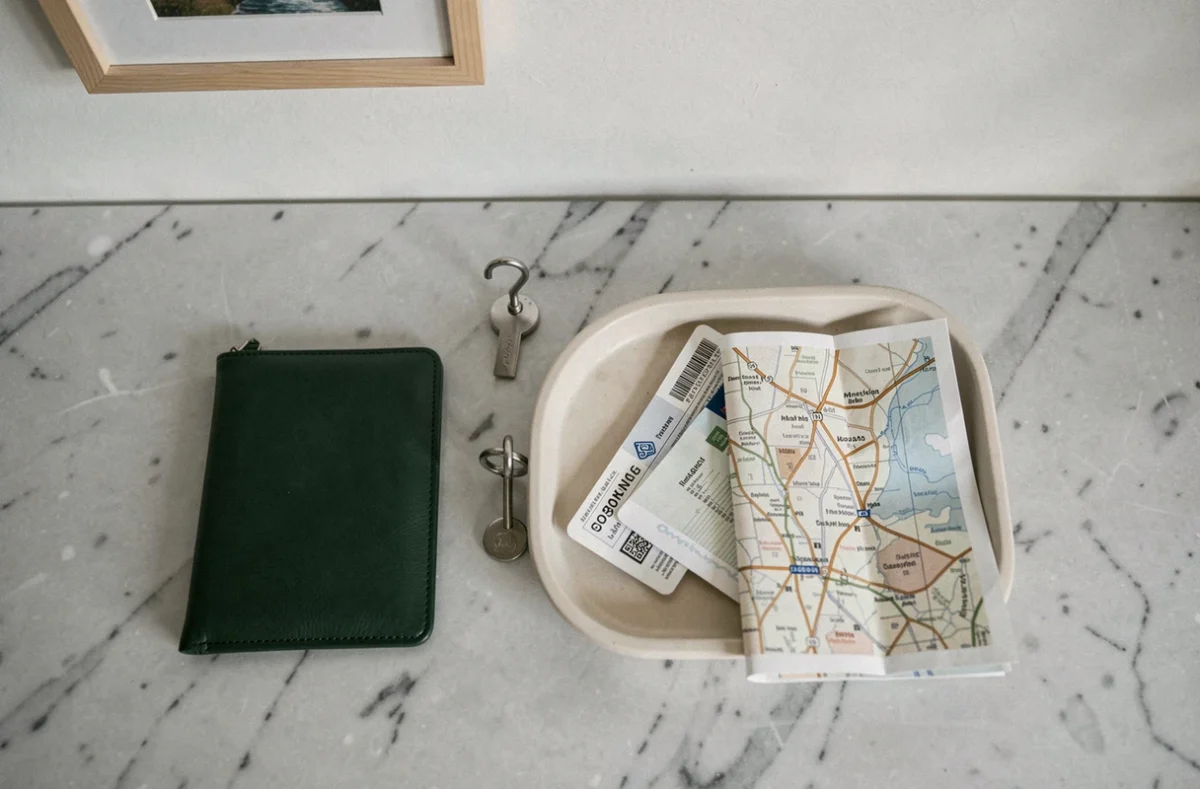
- Discretion over complexity: a non-obvious location is better than an elaborate concealment system. Burglaries typically take little time and target predictable locations (nightstand drawer, first desk drawer).
A desiccant packet (silica gel) slipped into the passport sleeve absorbs excess residual moisture. This detail significantly extends the document’s lifespan, especially in oceanic or tropical climates.
Frequency of Checking
The expiration date is not the only element to check. Pages can stick together if the booklet remains closed for too long in a humid environment. We recommend a quick visual inspection at least once every six months, opening each double page to check for mold or warping.
Home storage of a passport is more about archival preservation than dramatic security. A fireproof waterproof safe, a dry location at height, a single unique encrypted digital copy: these three measures cover nearly all scenarios of disaster and theft without resorting to unnecessary devices.